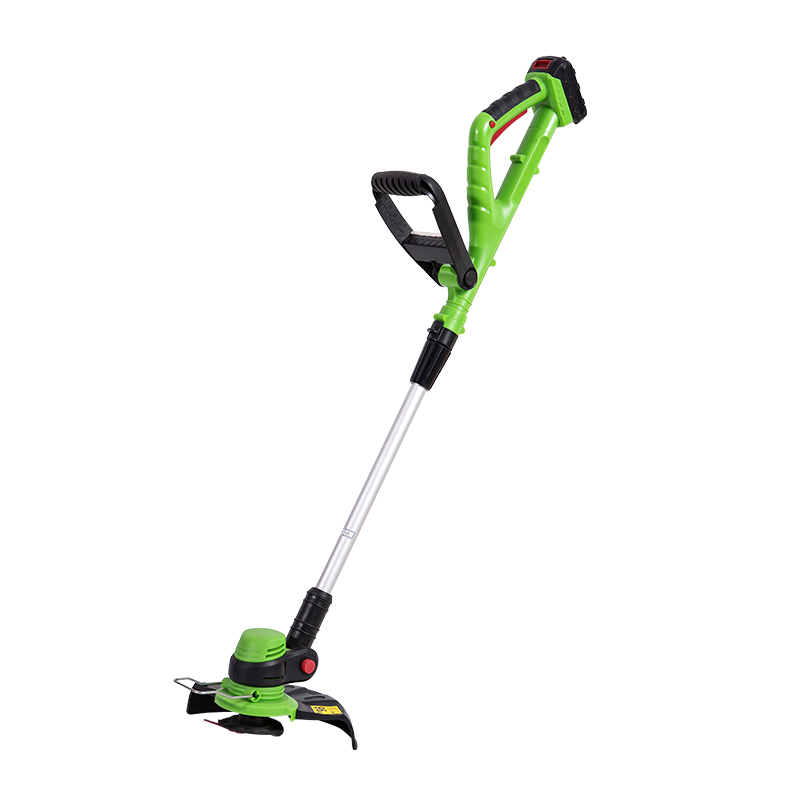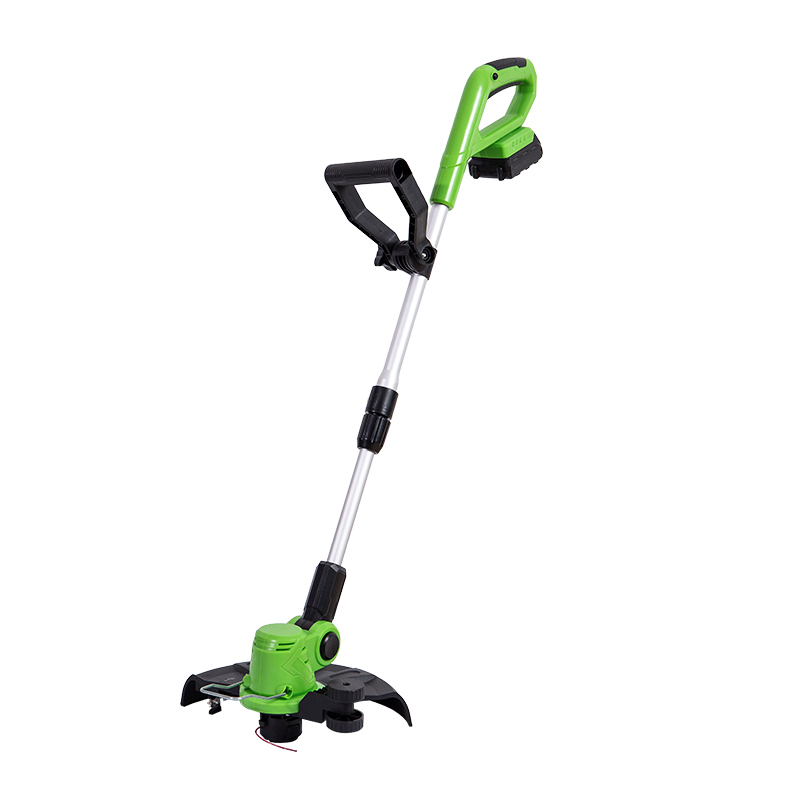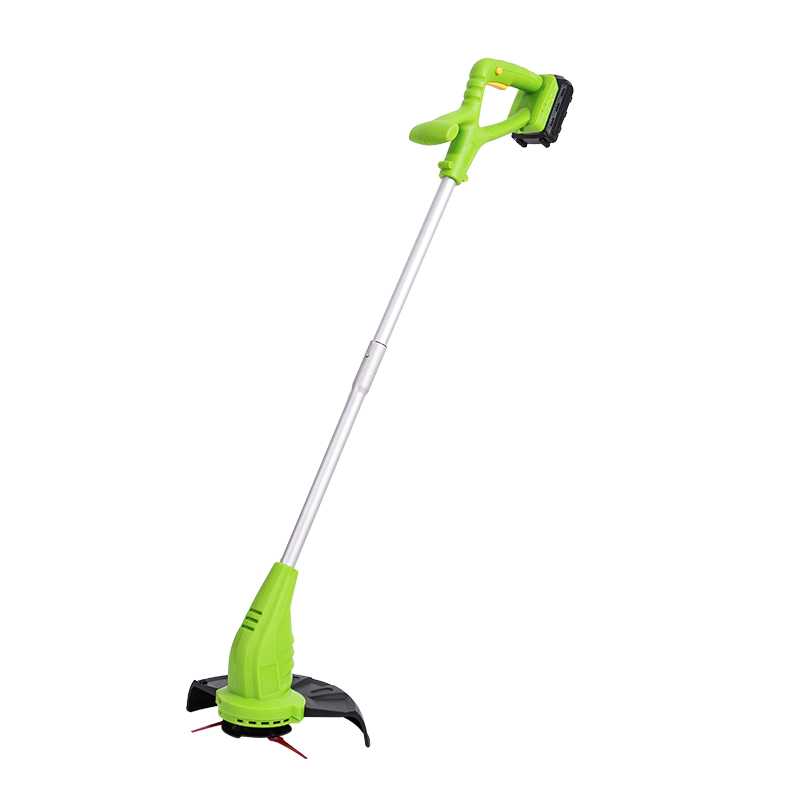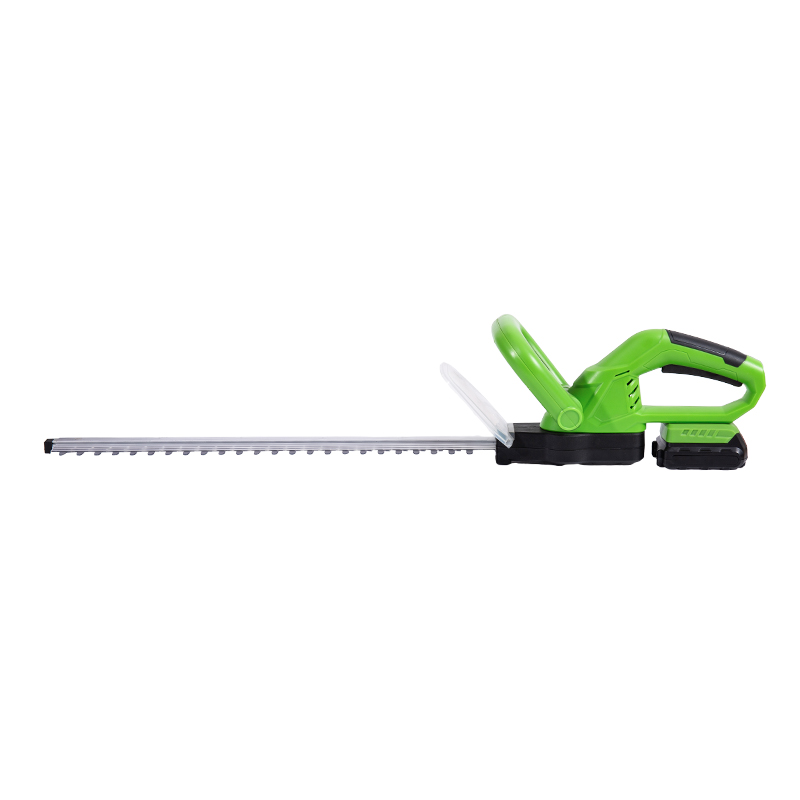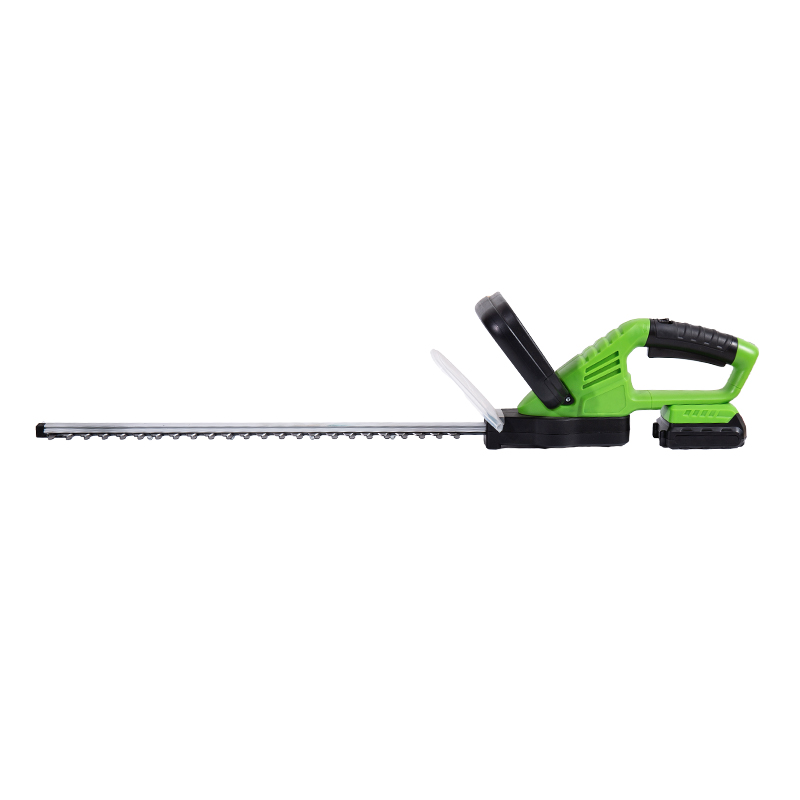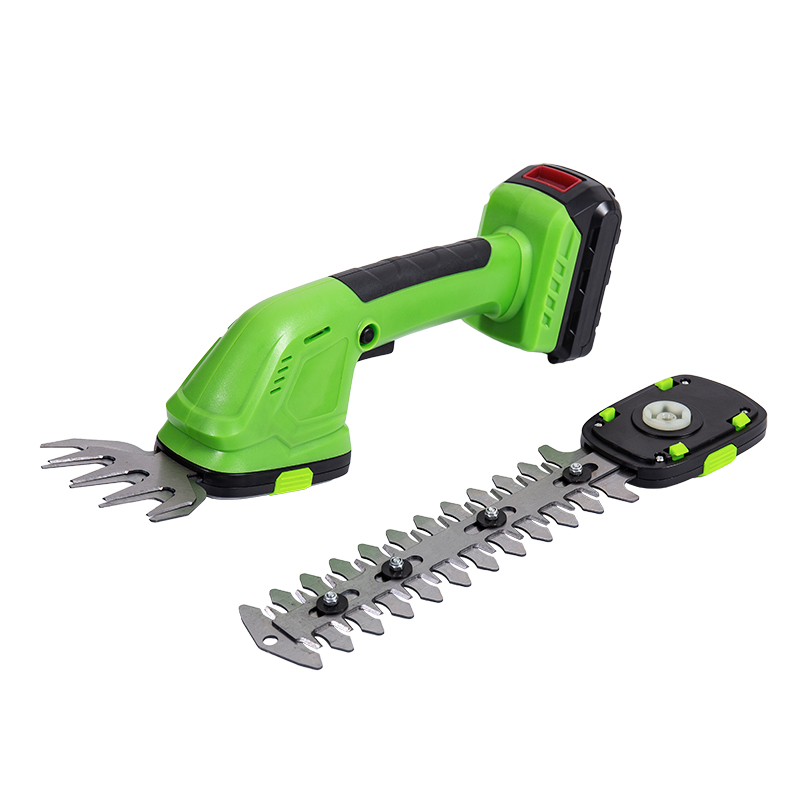
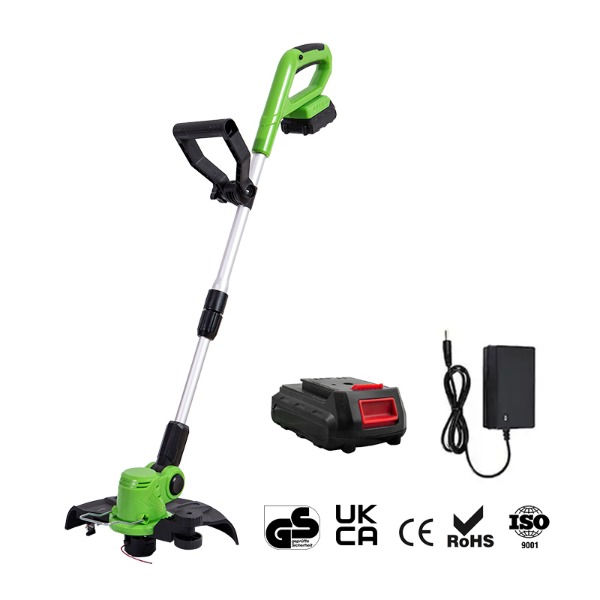
Cordless grass trimmers are essential tools for maintaining a neat, well-kept lawn. Their portability and ease of use make them an ideal choice for homeowners and landscapers alike. However, to ensure your cordless grass trimmer performs at its for years to come, regular maintenance is necessary.
The step in maintaining your cordless grass trimmer is cleaning it after each use. Grass, dirt, and debris can easily accumulate on the trimmer’s cutting head, causing it to perform less effectively over time. Here’s how to clean your trimmer thoroughly:
Cutting Head and Blades:
Use a brush or cloth to wipe off any grass or debris from the cutting head. For stubborn buildup, you can use a soft brush or compressed air to remove dirt. Be careful not to damage the blades while cleaning.
Trimmer Shaft:
Wipe down the shaft of your trimmer to remove dust and moisture. Make sure that no grass clippings or dirt have gotten stuck inside the shaft. Regular cleaning helps to maintain the trimmer’s balance and ease of use.
Battery Compartment:
Although the battery is often sealed, it’s important to check and ensure that there’s no dirt or moisture in the compartment. Use a dry cloth to wipe down the area around the battery.
One of the critical aspects of maintaining a cordless grass trimmer is properly caring for its battery. A well-maintained battery can significantly extend the life of your trimmer and improve its performance. Follow these tips:
Avoid Overcharging:
Many cordless grass trimmers have built-in charging systems that prevent overcharging, but it’s still to unplug the charger once the battery is full. Overcharging can decrease battery life over time.
Store in a Cool, Dry Place:
Storing your trimmer and battery in an overly hot or cold environment can shorten battery life. Always store the trimmer in a place that is cool, dry, and away from direct sunlight.
Avoid Draining the Battery Completely:
It’s recommended to avoid running the battery all the way down to 0%. When the battery charge is low, recharge it to around 20-30% to keep it in condition.
Regularly Clean Battery Contacts:
Dirt or corrosion on the battery contacts can poor performance. Regularly inspect the battery contacts and clean them with a soft cloth or cotton swab if necessary.
The blades of your cordless grass trimmer will naturally wear down over time. Inspect them regularly for signs of damage or dullness. Sharp, well-maintained blades ensure a cleaner cut and better performance.
Sharpening:
You can sharpen the trimmer blades yourself using a sharpening tool or take them to a professional. Be sure to follow the manufacturer’s instructions for blade sharpening to avoid damaging the trimmer.
Replacement:
If the blades are excessively dull or damaged, it’s time to replace them. Many models allow for easy blade replacement. Consult your user manual for instructions on how to replace the blades safely.
Lubrication plays a vital role in preventing excessive wear and tear on the moving parts of your trimmer. Proper lubrication ensures smoother operation and reduces the chances of overheating.
Lubricate the Gearbox:
Check your trimmer’s gearbox regularly for signs of wear and apply lubricant as needed. A well-lubricated gearbox will reduce friction and prolong the life of the motor.
Moving Parts:
Use a silicone-based lubricant or a trimmer-specific oil to lubricate the moving parts, including the shaft and the blade attachments. Follow the manufacturer’s instructions to ensure the correct lubrication.
Proper storage is just as important as regular maintenance. Storing your cordless grass trimmer in the right conditions helps prevent damage and ensures it’s ready for use when needed.
Clean and Dry:
Before storing your trimmer, clean it thoroughly to remove any moisture, grass, and dirt. This prevents corrosion and buildup over time.
Remove the Battery:
If you won’t be using the trimmer for an extended period, remove the battery to prevent it from discharging or losing capacity. Store the battery in a cool, dry place.
Store Upright or in a Safe Place:
Store the trimmer in a safe place where it won’t be exposed to temperatures or physical damage. Hanging it on a wall or placing it in a storage cabinet helps keep it out of the way and protected.
Occasionally, your cordless grass trimmer may experience some issues. Here are a few troubleshooting tips for common problems:
| Problem | Potential Cause | Solution |
|---|---|---|
| Trimmer not turning on | Battery not charged | Charge the battery fully and check battery contacts |
| Weak cutting performance | Dull or damaged blades | Sharpen or replace the blades |
| Motor overheating | Lack of lubrication or debris buildup | Clean the trimmer, lubricate the moving parts, and inspect the motor |
| Battery not holding charge | Battery age or improper storage conditions | Replace the battery or store it properly |
While routine maintenance can be done by you, it’s a good idea to have your cordless grass trimmer serviced by a professional periodically. A technician can perform more in-depth checks and repairs, ensuring that the motor, electrical components, and other internal parts are working optimally.
1. How often should I clean my cordless grass trimmer?
It’s to clean your trimmer after each use to remove grass clippings, dirt, and moisture that can cause buildup and damage over time.
2. How can I make my trimmer battery last longer?
Avoid overcharging, store the battery in a cool place, and never let it completely drain to ensure longevity.
3. What should I do if my trimmer’s cutting performance is poor?
Check the blades for damage or dullness and sharpen or replace them if necessary.
4. Can I store my cordless grass trimmer outside?
It’s to store it indoors in a cool, dry place to prevent exposure to harsh weather conditions.
5. What’s the way to lubricate my trimmer?
Use a silicone-based lubricant for the moving parts and follow the manufacturer’s recommendations for the gearbox.
No.888 Zijin Road, Dongshan Town, Wuzhong District, Suzhou City, Jiangsu Province, China, 215107
+86-18994336227
+86-0512-66399580
Copyright © Suzhou Yuyuan Machinery Co., Ltd. All Rights Reserved.
 English
 Español